SOLUTIONS
Single & Multi-Camera Production. Simplified.
Deploy live and streaming workflows quickly — from single-camera setups to full multi-camera production across events, venues, and mobile environments.
Production Environments.
Built for Real-World Deployment.
BirdDog supports a wide range of live production scenarios:
Live Events.
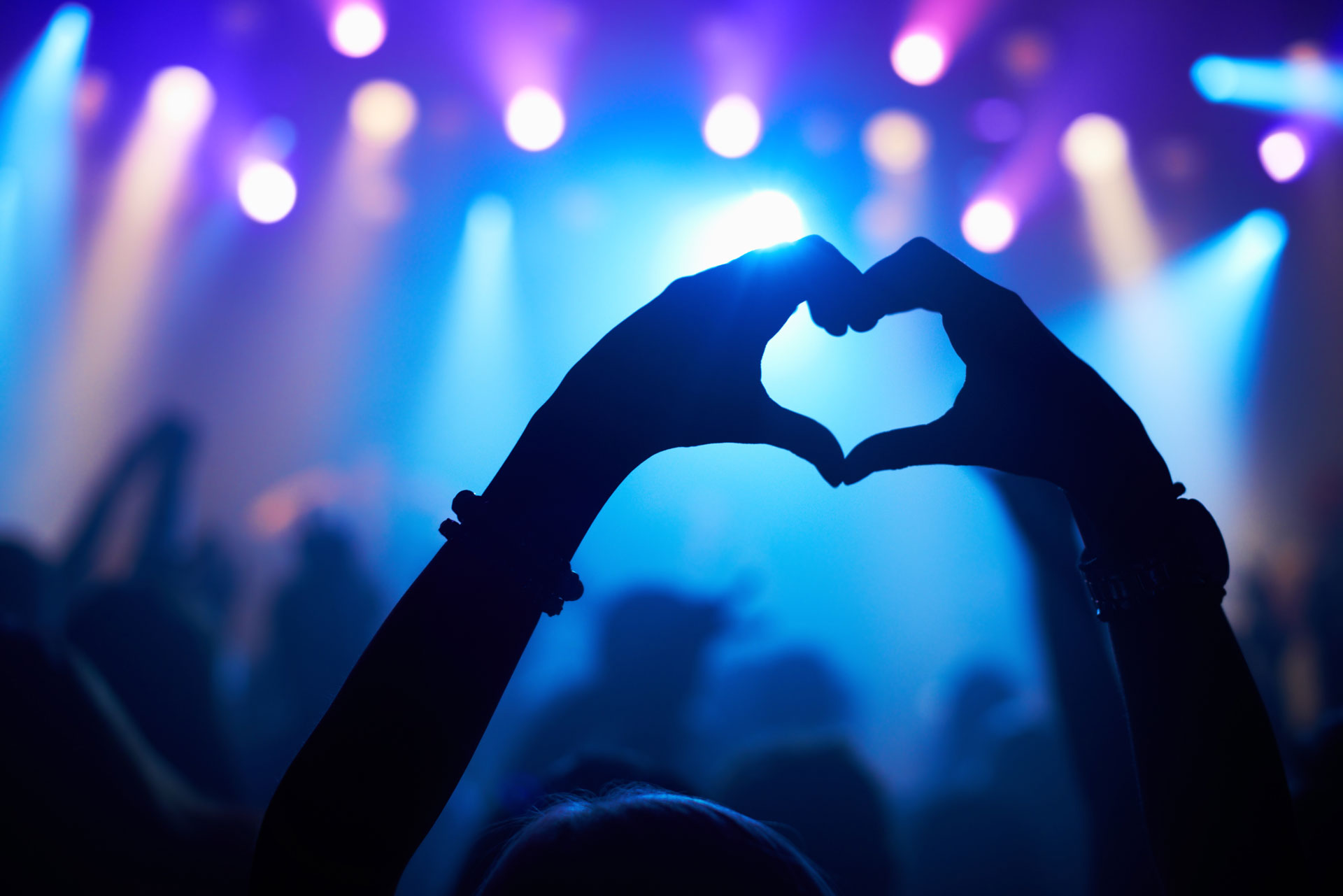
Concerts, performances, and productions requiring flexible camera placement.
Venues & Auditoriums.
Permanent or semi-permanent setups with centralised control.
Streaming Production.
Live streaming for online audiences.
Mobile & Pop-Up Production.
Rapid deployment for temporary or on-the-go environments.
Flexible Workflows.
Set Up Fast. Scale as Needed.
Live production workflows need to adapt quickly.
BirdDog enables:
• Flexible camera placement and deployment with NDI & SRT
• Integration with platforms like vMix, OBS, and streaming tools
• Hybrid workflows combining IP, SDI, streaming and HDMI
• Centralised control across multiple cameras and locations
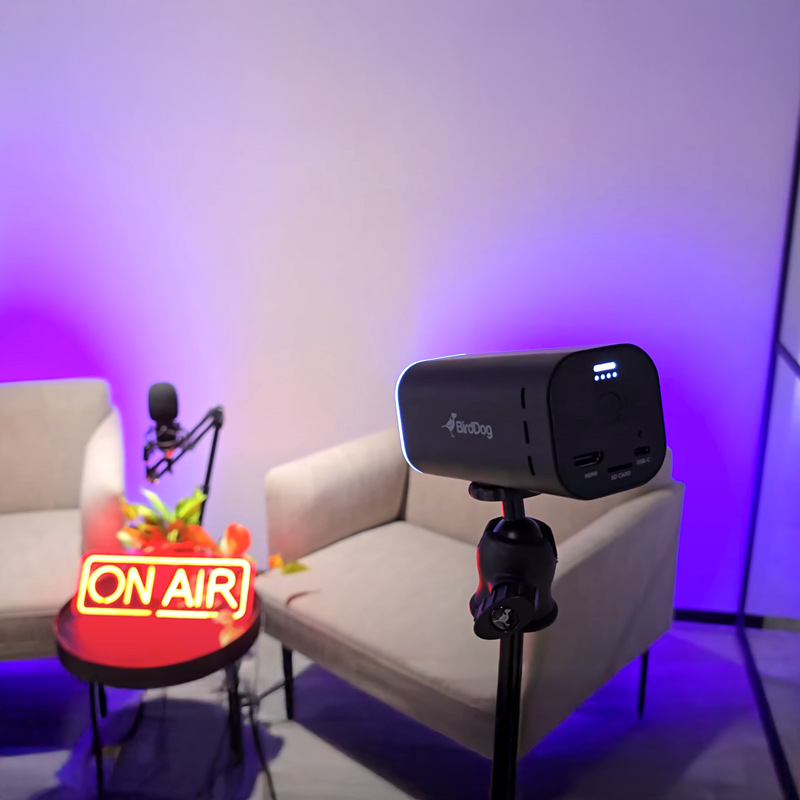
Capture Systems.
The Right Camera for Every Production.
BirdDog cameras are designed for different production styles — from high-performance live events to flexible streaming setups.
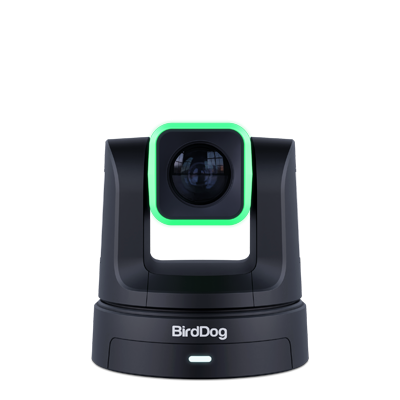
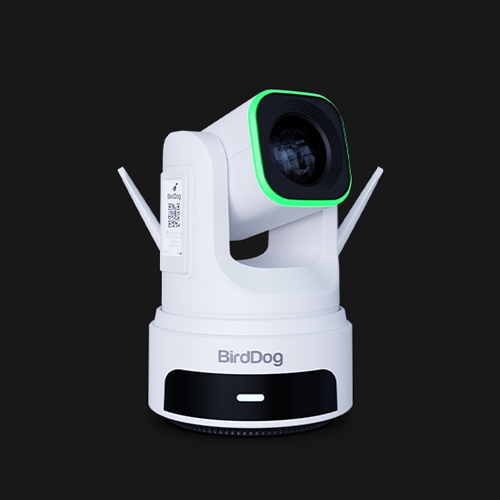
Precision in Motion.
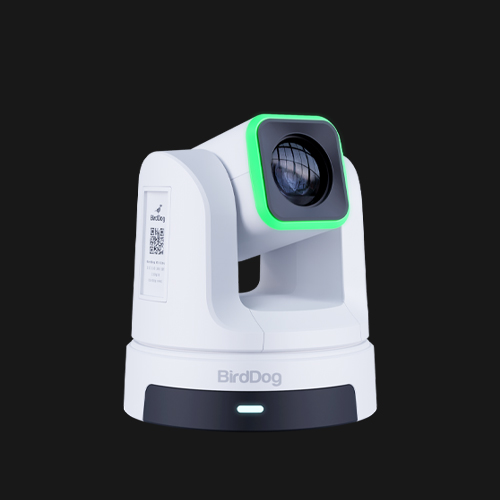
A powerful PTZ camera built for demanding environments.
Fast, precise movement and flexible connectivity make X5 ideal for events, venues, and multi-camera streaming.
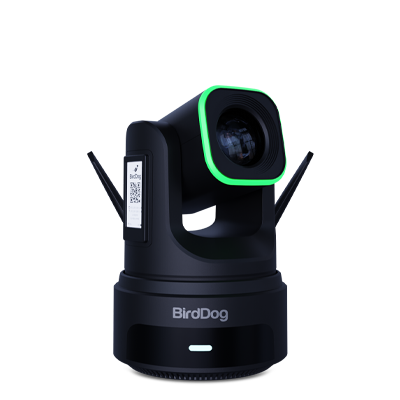
Wired or Wireless. Same Performance.
4K PTZ cameras designed for flexible production environments, delivering consistent image quality with a larger sensor for improved low-light performance.
X4E Ultra
Wired Production
Designed for reliable, always-on operation using PoE and wired connectivity.
X4 Ultra
Wireless Production
Adds WIFI 6 and battery support for fast, cable-free deployment.
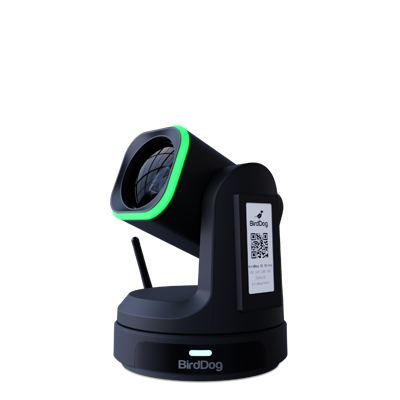
Flexible by Design.
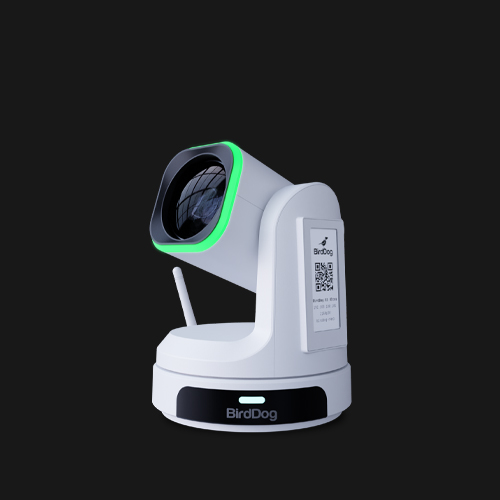
Versatile PTZ camera platforms built for streaming, hybrid, and live production.
Available in multiple configurations:
X1 (HD 20x Zoom)
flexible HD production
X1 30x (HD 30x Zoom)
extended reach for larger environments
X1 Ultra (UHD 12x Zoom)
wider field of view for tighter spaces in 4K30p
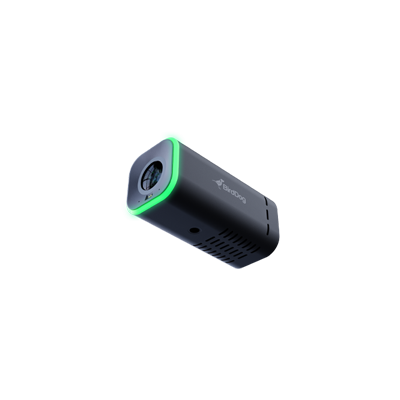
Streaming & Creator Workflows.
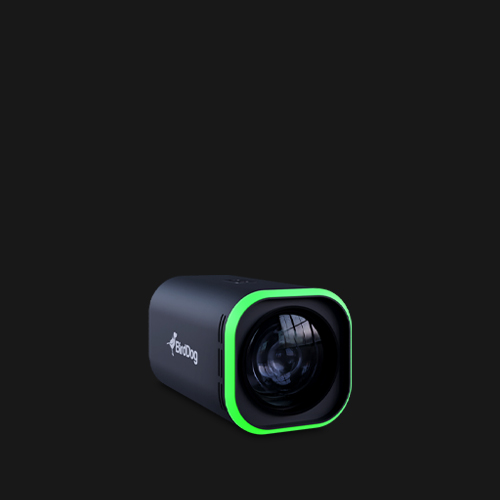
A compact camera designed for live streaming and content production.
Simple to deploy and flexible to use as a standalone or multi-camera solution.
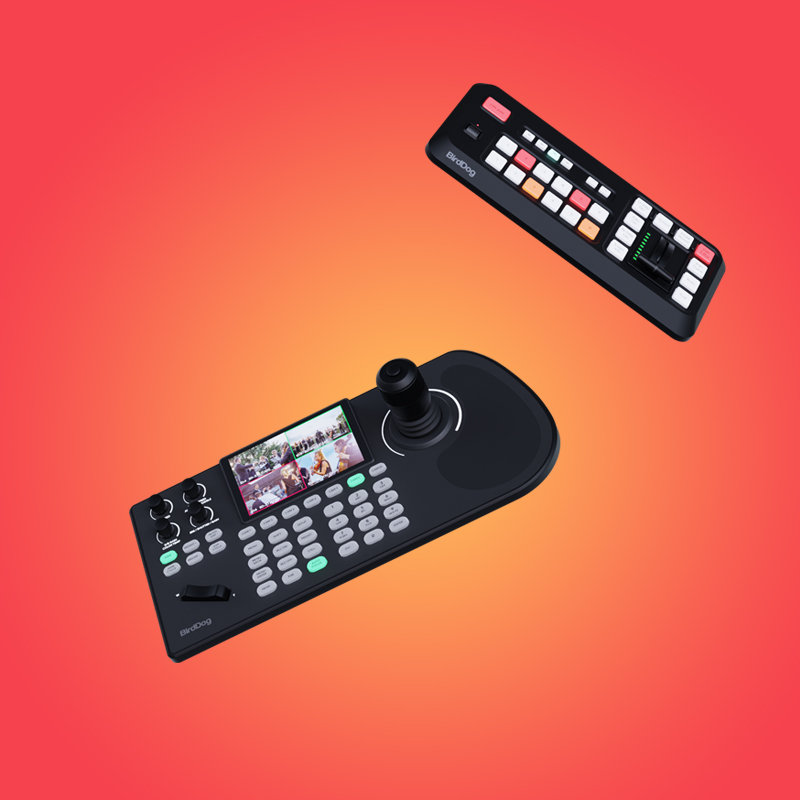
Control.
Simple, Precise Camera Operation.
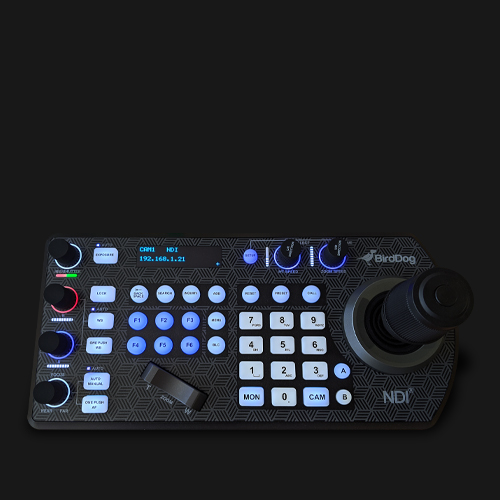
KBD
Control multiple PTZ cameras with speed and precision in live environments.
MAKI Studio
A production system designed to simplify multi-camera streaming workflows.
Ideal for small teams, studios, and fast production environments.
Connect Your Workflow.
Plug Into Any Production Setup.
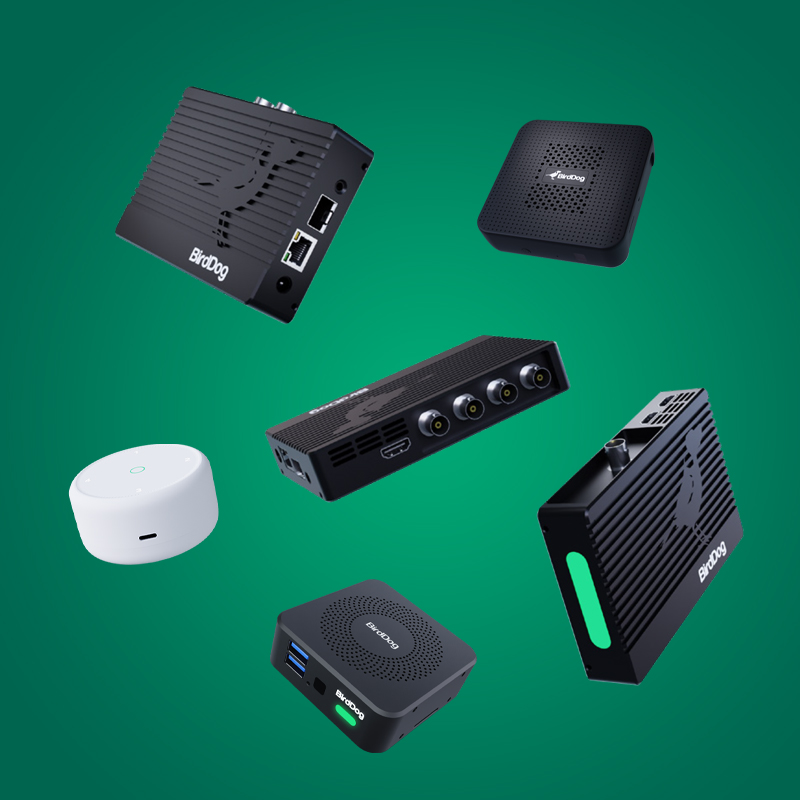
Tools for connecting classrooms, lecture halls, production environments, and conferencing systems.
4K Family
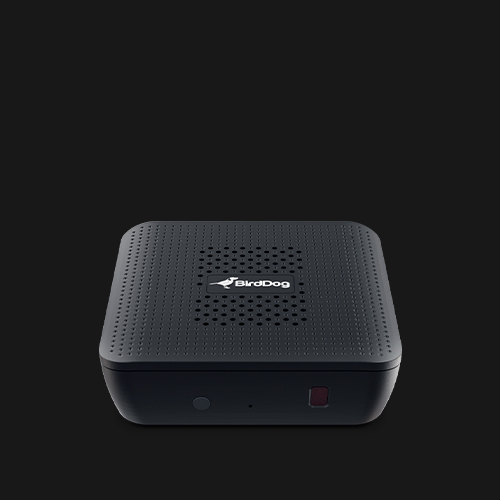
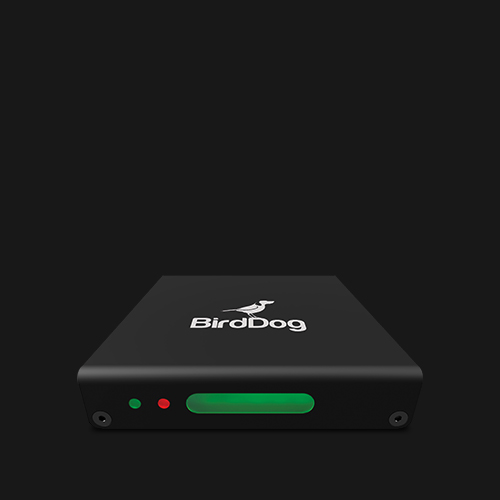
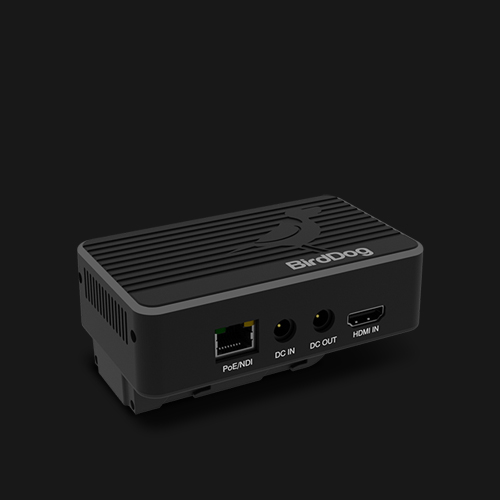
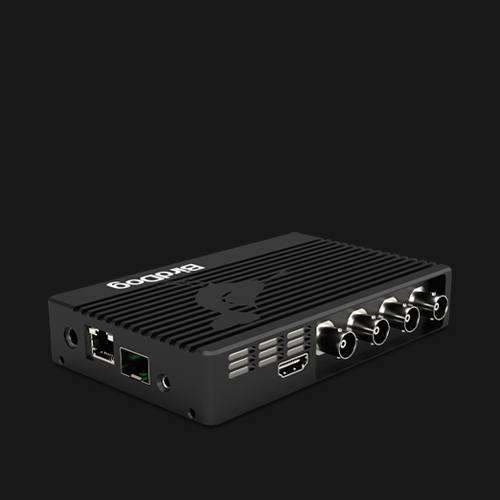
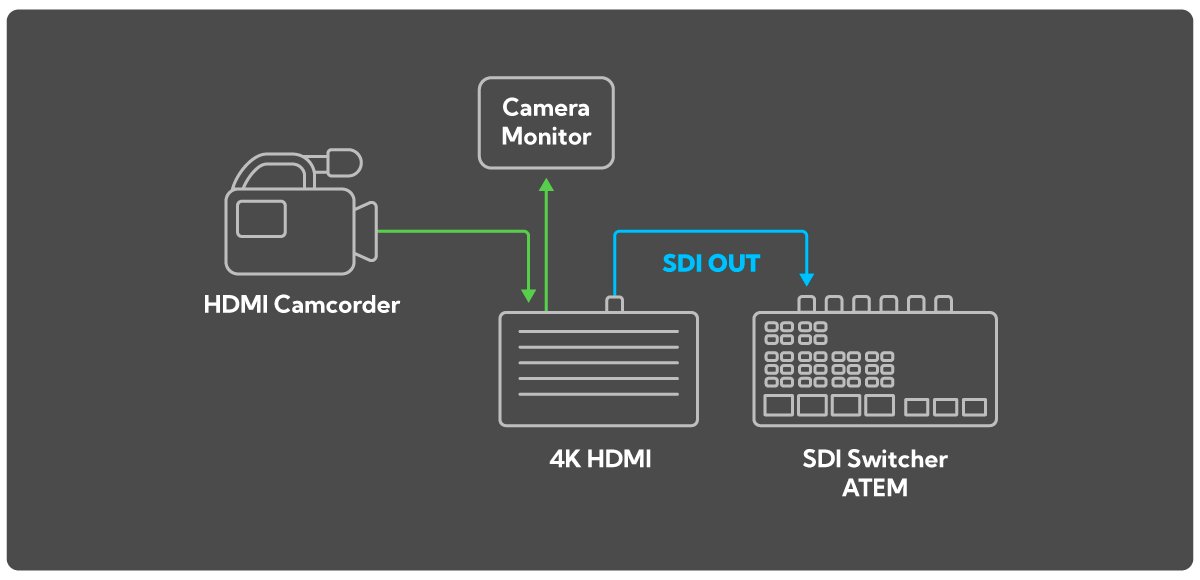
Convert SDI and HDMI sources into NDI workflows and back again.
Integrate existing equipment into IP-based production.
POD
Connect video directly to laptops via USB-C.
Ideal for streaming, hybrid events, and fast deployment.
PLAY & PLAY Pro
Decode and monitor NDI video across production environments.
Perfect for confidence monitoring and distributed viewing.
Remote Production.
Bring in Remote Guests with BirdDog Connect.
Remote Guest
Integration.
Multi-Location Workflows.
Low-Latency Video Transport.
Real-Time
Collaboration.
Extend your production beyond a single location.
Build Your Live Production Workflow.
Workflow Examples
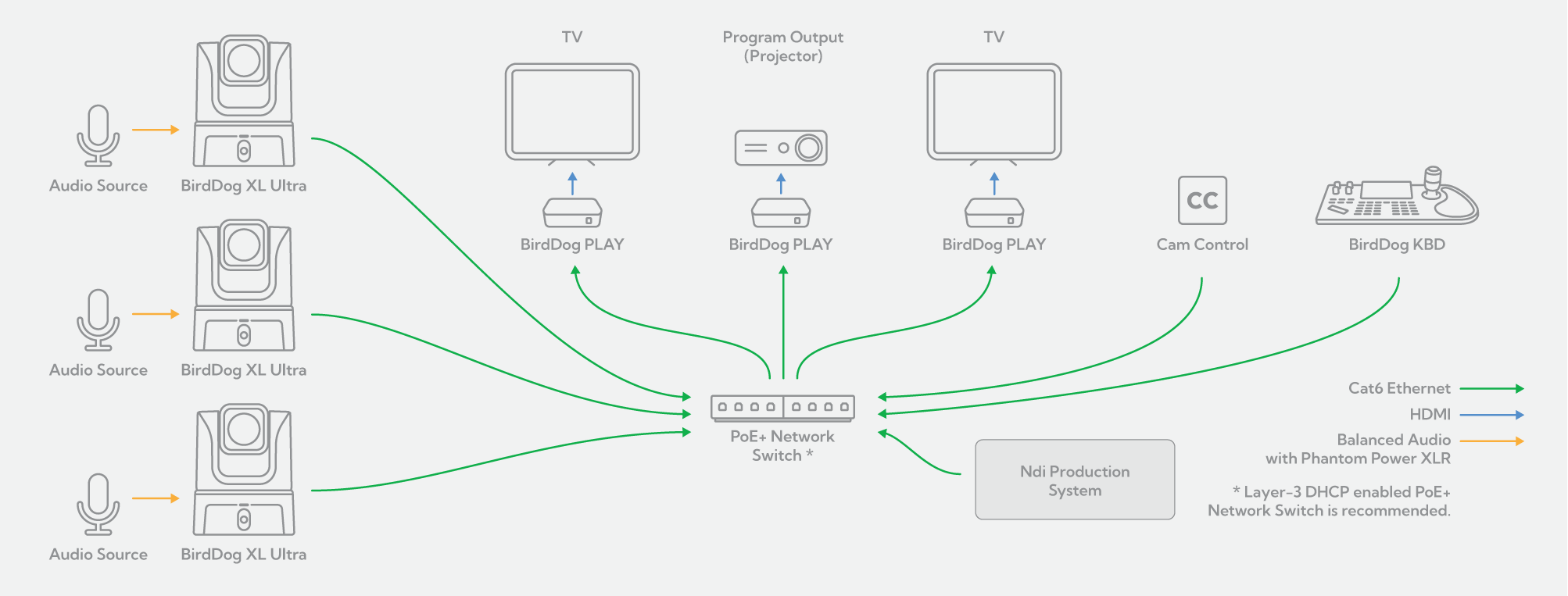
Simply connect your XL Ultra to your existing GigE switched network and deliver UHD images with crystal clear, balanced audio to your remote presentation. The bi-directional nature of NDI® means that, as stunning images and audio are busy leaving your camera, the SAME network cable can be used to provide powerful control, as well as power, TO your cameras. Use our free Cam Control software to remotely dial exactly the look you want using comprehensive colour and exposure, and noise reduction tools. Fully adjustable facial and body recognition offers reliable, automatic tracking of your talent – perfect for broadcast studios, lecturer/teacher applications, house of worship, or any time the on-air talent is moving. For more complex camera movement, the BirdDog KBD provides low-latency pan, tilt and zoom control of your XL Ultra. Easily decode your NDI® back to HDMI for final display using our compact PLAY converters. Featuring comprehensive control support via RESTful API, Crestron, Zoom API, or Q-SYS API, PLAY ensures the most professional presentation experience.
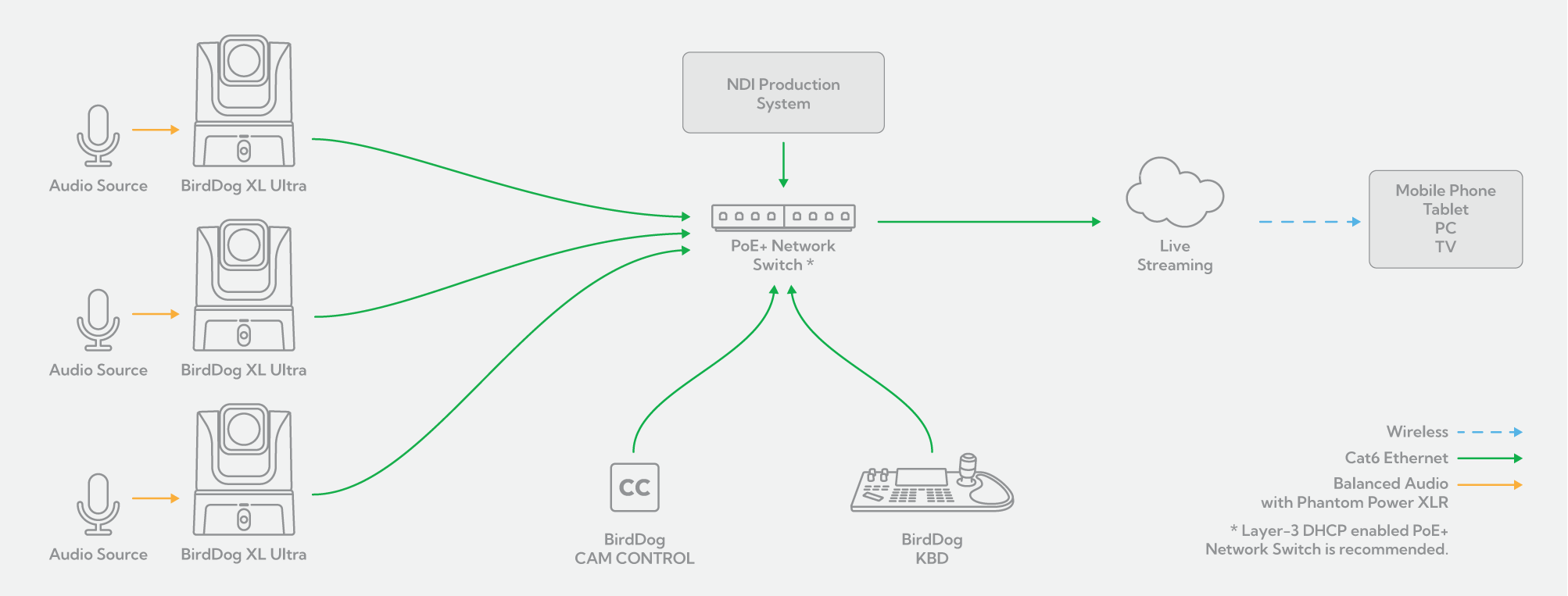
The incredibly flexible feature set of the XL Ultra makes it an ideal camera for video podcasting. The superb low-light capability of the 5K CMOS Sensor means you won’t have to spend a fortune on lighting to have your presenters look amazing. Plug your microphone directly into the phantom-powered, balanced XLR connection to maintain pristine audio quality. Clearly visible camera Tally lights ensure that your presenters always know when they are on-air. Once connected to your existing PoE+ GigE network, the magic of NDI® does the rest! The single cable Ethernet connection not only powers your camera but also provides you with complete remote control. Use our free Cam Control software to dial exactly the look you want using comprehensive color, exposure and noise reduction tools. If you have moving on-air talent, Cam Control has you covered with adjustable facial and body tracking. For more comprehensive pan, tilt and zoom control of your XL Ultra, simply add the BirdDog KBD. With the easy addition of OBS Studio or Wirecast software, your networked environment is now a powerful and flexible video podcast studio!
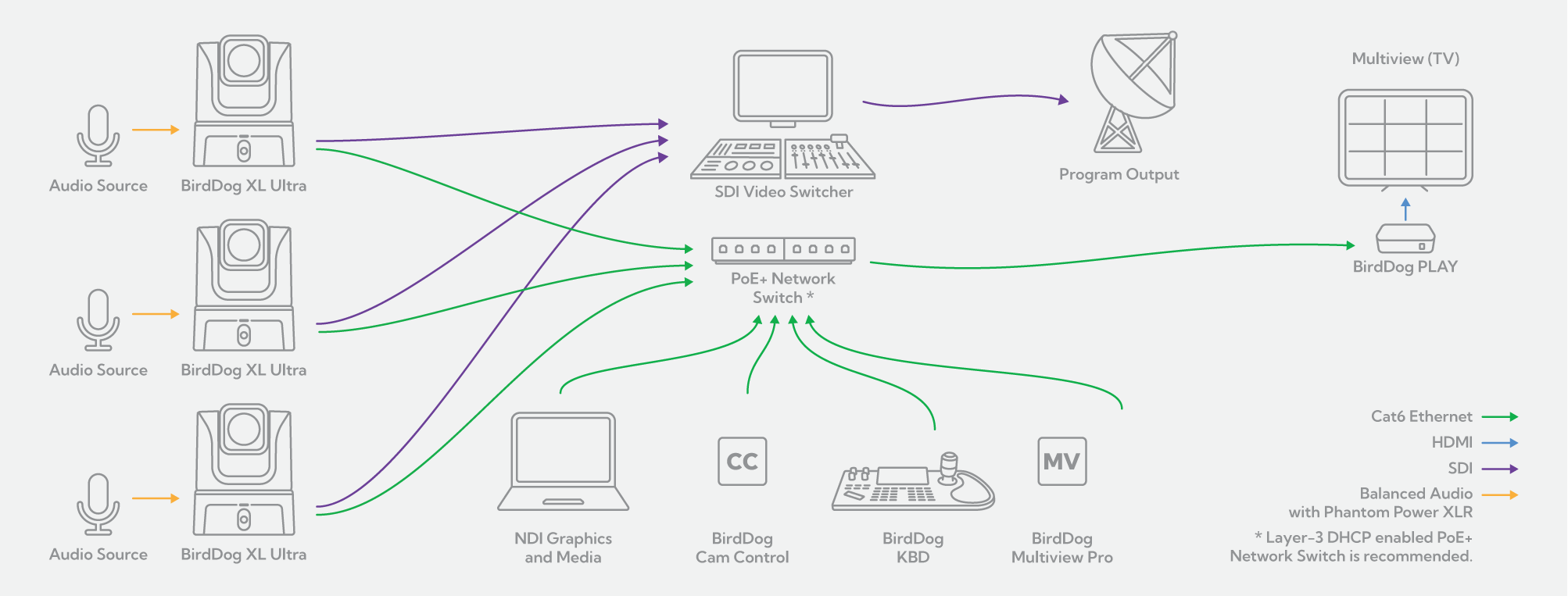
One of the powerful features of the XL Ultra is the ability to simultaneously output video in NDI®, HDMI, and SDI formats. This allows you to seamlessly slot your XL Ultra into your SDI environment while still enjoying all the benefits that networked NDI® video provides. While your SDI video is happily on its way to your broadcast infrastructure, NDI® video can be separately processed and piped to anywhere you need it. Which means anywhere on your network or anywhere you can run a single Ethernet cable! Simply add compact BirdDog PLAY converters and decode back to HDMI for easy display. Add BirdDog Multiview Pro software for professional multiview monitoring on a single display. Use our free Cam Control software to dial a completely different look for the NDI® video using comprehensive colour, exposure and noise reduction tools. The BirdDog KBD provides remote low-latency pan, tilt and zoom control of your cameras as well as Quick Access buttons and Preset recall of camera Exposure, Shutter Speed, Iris, Compensation, White Balance, Focus, PT Speed and Zoom Speed.
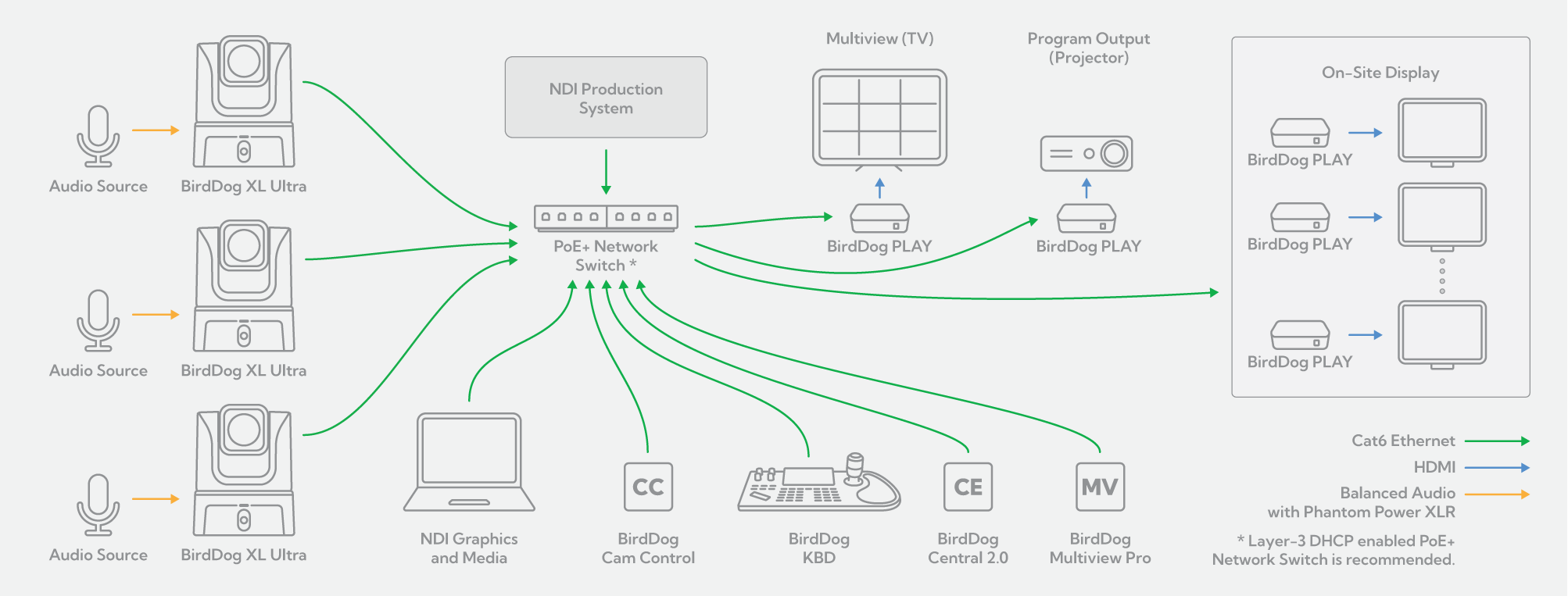
Sometimes less IS really more! BirdDog and NDI® make single cable connectivity a reality. Your camera placement no longer needs to be dictated by power or control access requirements. Now you can mount your XL Ultra exactly where needed from the best production standpoint. A single Ethernet cable is all you need to receive UHD images and pristine audio FROM your camera, as well as send control and power TO your camera. Use our free Cam Control software to dial exactly the look you want using comprehensive colour, exposure and noise reduction tools. For productions featuring a single, moving presenter, Cam Control also helps you out with adjustable facial and body tracking. Need more manual control? The BirdDog KBD gives you lowlatency pan, tilt and zoom control of your cameras, as well as Preset recall of camera Exposure, Shutter Speed, Iris, Compensation, White Balance, Focus and Zoom Speed Add BirdDog Multiview Pro software for professional multiview monitoring on a single display, and team Central 2.0 with our compact PLAY converters to direct any number of your NDI® sources, to any number of display destinations.
Frequently Asked Questions
A live event video production can combine cameras, microphones, audio mixing, video switching, monitoring, recording, streaming tools, lighting, and video transport.
The right setup depends on the event size, venue, number of camera angles, available crew, existing infrastructure, and whether the production is being shown in the room, streamed online, recorded, or distributed to remote locations.
A smaller event may use a few cameras and a software-based production system, while larger productions may combine PTZ cameras, SDI, IP video, remote production tools, encoders, decoders, and dedicated control systems.
The best PTZ camera for live streaming depends on the venue, camera position, lighting, required zoom range, number of operators, and production workflow.
For changing venues and live events, consider image quality, low-light performance, optical zoom, fast and precise movement, remote control, connectivity, and how easily the camera can be deployed.
Productions that move between locations may benefit from flexible placement and wireless options, while permanent venues may prioritise wired infrastructure, PoE, and integration with existing production systems.
Yes. PTZ cameras are widely used for conferences, stages, corporate events, performances, presentations, worship events, sports, and other live productions.
Because they can pan, tilt, and zoom remotely, PTZ cameras can cover speakers, stages, audience shots, wide views, and close-ups from fixed positions around a venue.
They can also help smaller crews manage multiple camera angles from a central control position.
The right number of cameras depends on the event format, venue size, stage layout, production goals, and available crew.
A simple presentation may only need one or two cameras. A multi-camera event may use separate angles for speakers, wide stage coverage, audience reactions, presentation areas, performers, and secondary spaces.
PTZ cameras can help smaller teams manage more camera positions because multiple cameras can be controlled remotely from one production area.
Yes, depending on the venue, network environment, camera model, and production requirements.
Wireless PTZ cameras can make it easier to place cameras where running video or network cabling is difficult, particularly in temporary venues, changing room layouts, or fast-turnaround productions.
For example, supported BirdDog models such as X4 Ultra combine Wi-Fi connectivity with built-in battery power, giving production teams more flexibility when camera positions need to move.
The right deployment still depends on network reliability, bandwidth, interference, latency requirements, and the wider production workflow.
Yes. Many live event productions use a mix of IP video, traditional baseband connections, and USB-based workflows.
A production may use SDI for established camera and switching infrastructure, HDMI for local devices and displays, USB for software-based systems, and IP video for flexible routing, remote production, or distributed workflows.
BirdDog cameras, encoders, decoders, converters, and workflow tools are designed to help connect these different environments rather than forcing every production into one format.
Video encoders and decoders help connect traditional video equipment with IP-based production and distribution workflows.
An encoder can take a source such as SDI or HDMI and convert it into an IP video stream for transport across a network. A decoder performs the reverse process, turning network video back into outputs such as SDI or HDMI for monitoring, switching, recording, or display.
In live events, this can help connect stages, production rooms, overflow spaces, remote teams, venue infrastructure, and existing AV equipment.
Remote production allows some or all the production team to work away from the venue where the event is being captured.
Cameras and other sources remain on site, while operators, directors, technical teams, or other production functions can work from another location.
This can reduce the amount of crew and equipment required at the venue while allowing production resources to be shared across events, locations, and teams.
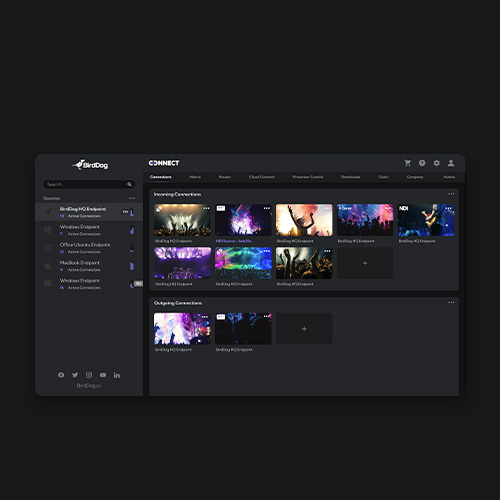
BirdDog Connect extends supported workflows beyond a single local network, helping teams access cameras and build more flexible distributed production environments.
NDI and SRT solve different parts of a live production workflow.
NDI is designed for networked video workflows and can connect compatible cameras, production systems, software, monitoring tools, and other devices across an IP environment.
SRT is designed for reliable, secure video transport across unpredictable networks such as the public internet.
A live event workflow may use NDI within the venue or production network and SRT between remote locations, production teams, or other sites.
Start with a workflow that can adapt to different rooms, infrastructure, lighting conditions, and production requirements.
Consider:
- Camera size and deployment speed
- Low-light performance
- Optical zoom
- Wired and wireless connectivity
- PTZ control
- IP, SDI, HDMI, and USB-C requirements
- Power and PoE
- Remote production capabilities
- Transport and setup time
- Integration with software and existing production tools
A modular approach makes it easier to use the same core production system across conferences, stages, corporate events, temporary venues, and permanent installations.
Free Software Tools.
Cam Control.
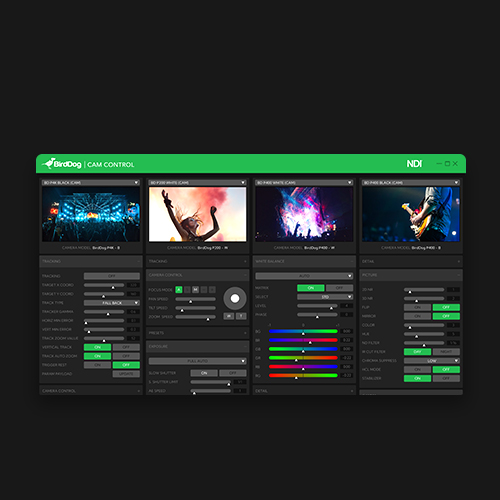
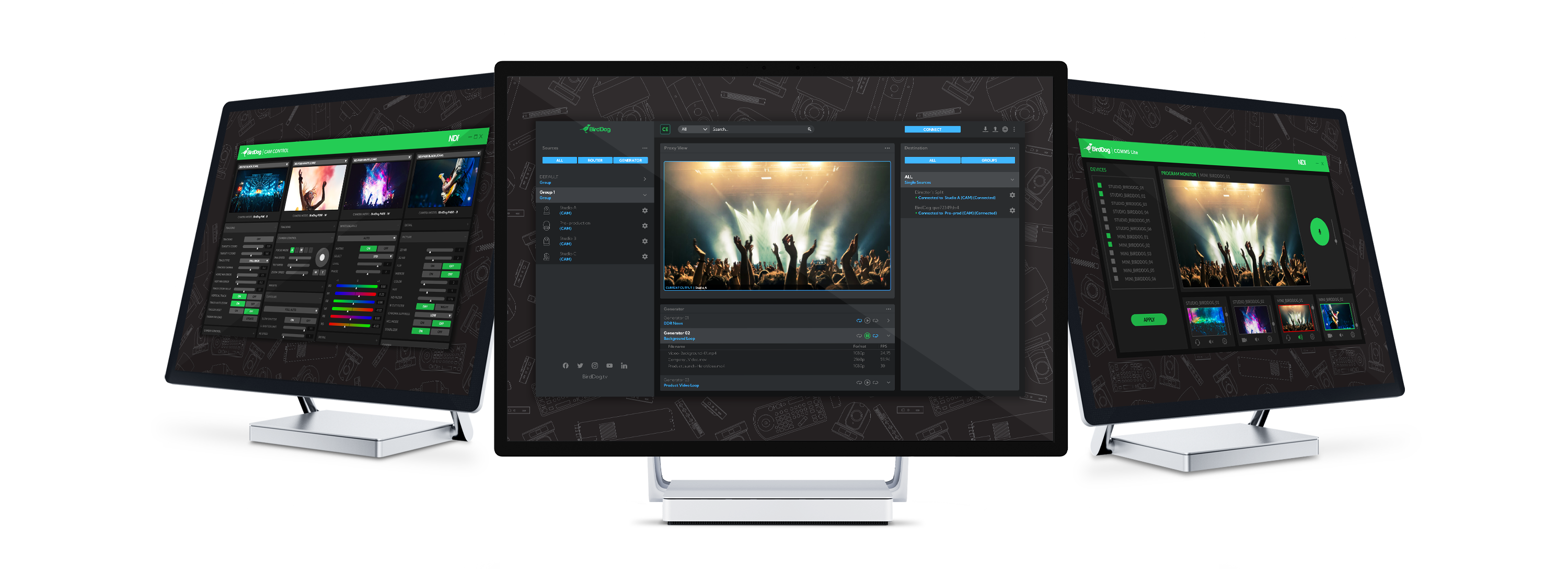
Cam Control allows easy access to all settings of all the BirdDog cameras on your network. Get the look you want on the full screen output monitor and then copy across multiple cameras to colour match in seconds.
Central 2.0 Lite.
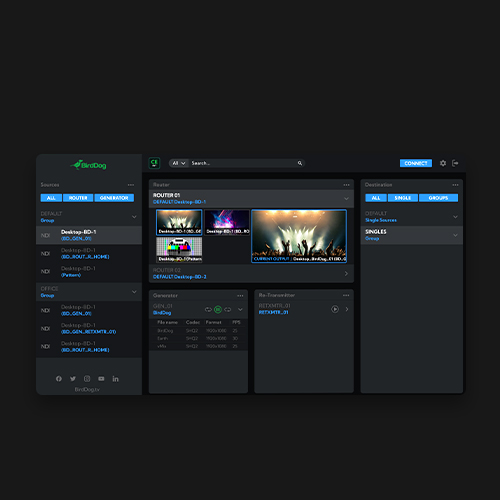
Central 2.0 ushers in a new era of NDI® routing control. Browser-based with SSO support, smart grouping of NDI® receivers, real-time NDI® routing, media playback engine, and support for thousands of sources, Central 2.0 is your ultimate NDI® management tool.
Comms Lite.
Comms Lite is your free Audio Intercom solution. With support for four BirdDog devices, plus a director, Comms Lite is a great way to start using Audio Intercom in your live productions.