SOLUTIONS
Create More. Stream Better.
Build high-quality content with simple, flexible tools designed for streaming, podcasting, and creator workflows.
Built for Modern Creators.
From Solo Setup to Full Studio.
Whether you’re recording a podcast, streaming live, or producing content for multiple platforms,
BirdDog makes it easy to create professional video without complex production systems.
Create Without Complexity.
BirdDog enables:
Single Cam Streaming.
With minimal Setup.
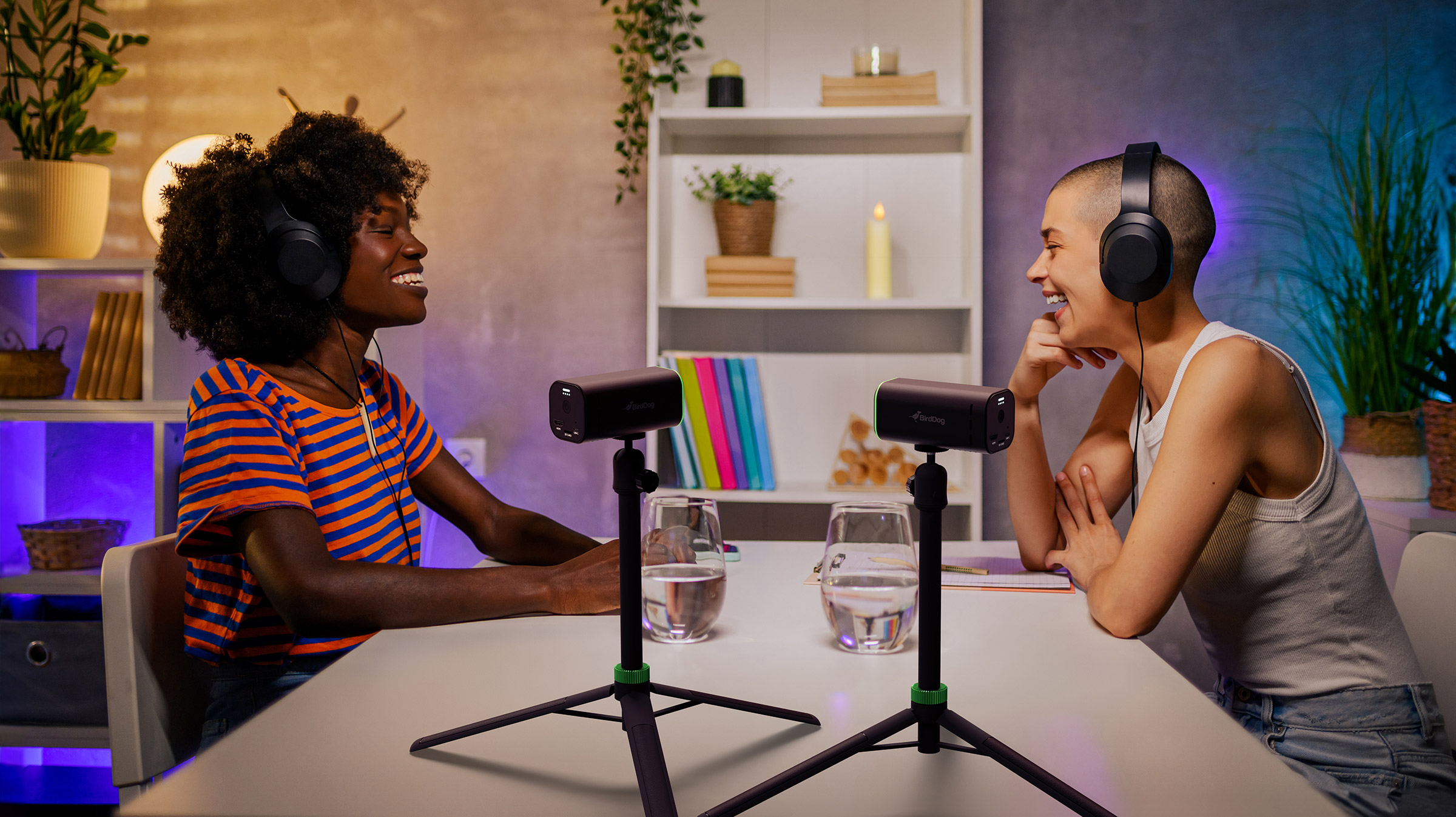
Multi-Cam Podcast.
And Studio Workflows.
Integration.
With OBS, vMix, and streaming platforms.
Remote Guests.
And interviews from anywhere.
Choose Your Camera.
Start simple. Expand when you’re ready.
Streaming, Simplified.
A compact, all-in-one camera designed for creators.
Portable, wireless, and easy to use, MAKI Live lets you go live quickly — from anywhere.
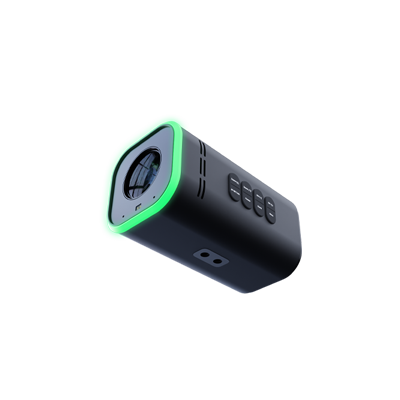
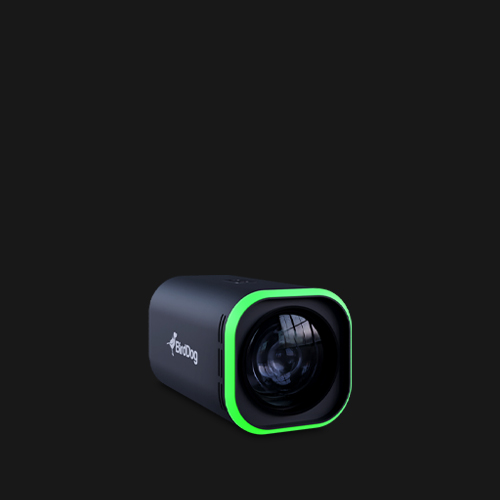
Built for Studio & Podcasting.
A fixed camera designed for high-quality studio production.
Ideal for podcasting, visual radio, and controlled environments, MAKI Ultra delivers professional video with a clean, reliable setup. Available in 12x and 20x zoom options to match different studio sizes and framing needs.
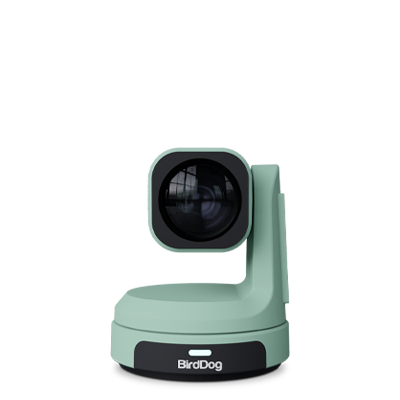
Made for Small Spaces.
A wide-angle camera designed to capture more with less.
With a 90º field of view, MAX is perfect for desks, tight setups, and small studios where space is limited.
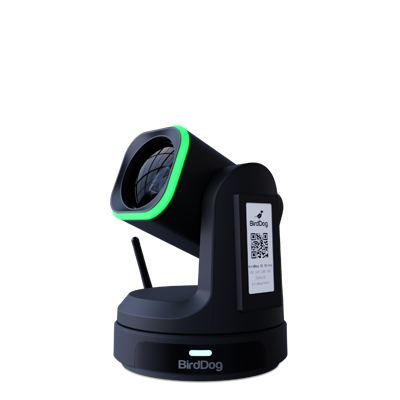
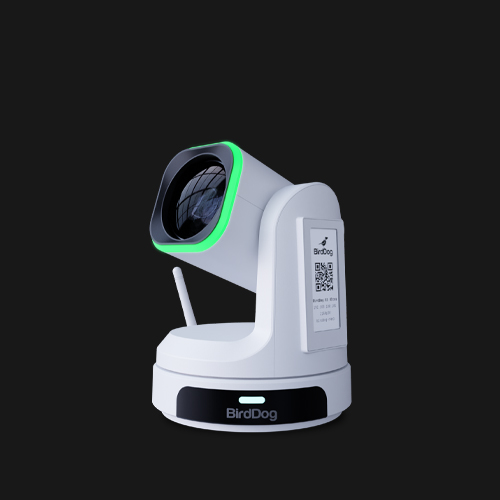
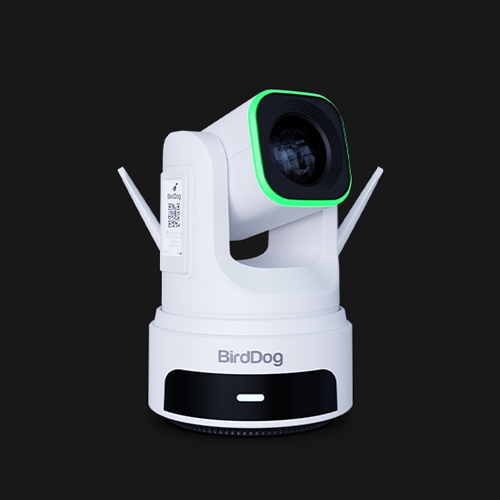
Flexible by Design.
A versatile PTZ camera for creators ready to expand.
Scale from a simple setup to full multi-camera production with flexible connectivity across IP, USB, and HDMI workflows.
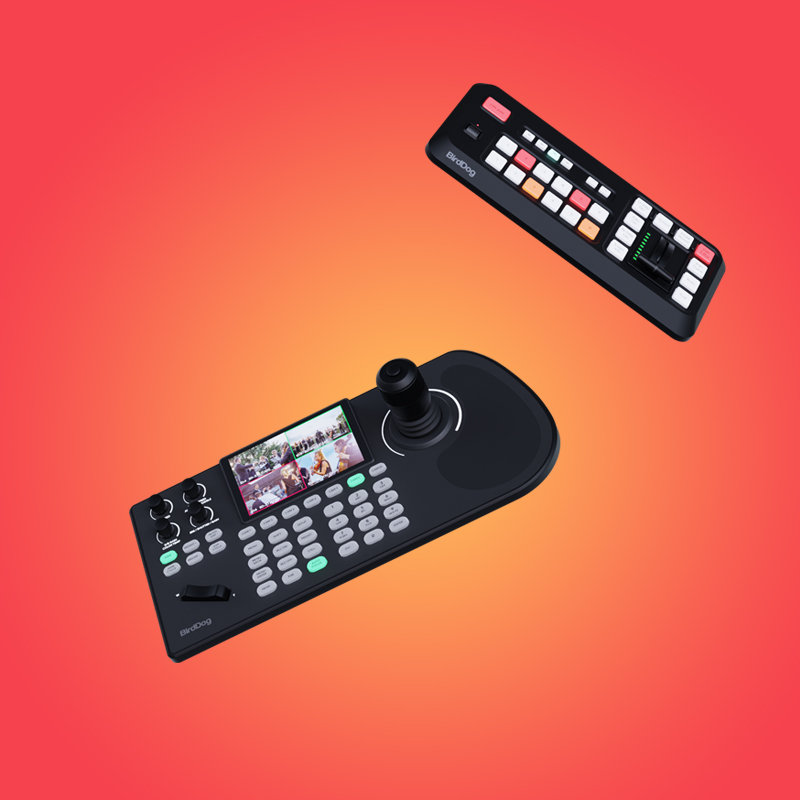
Complete Your Setup.
Everything you need to go further.
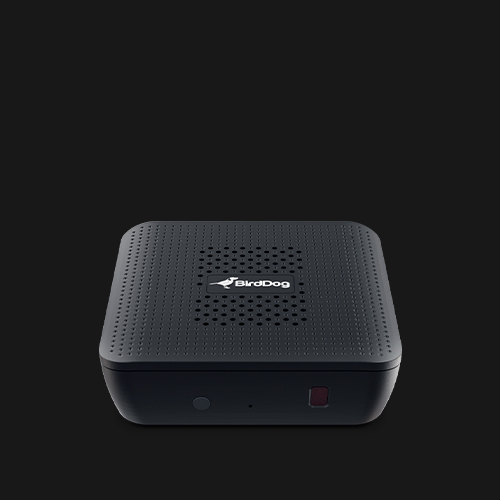
MAKI Studio
A production system designed to simplify multi-camera set-ups.
Switch, control, and manage multiple cameras with an intuitive setup — no complex production system required.
Ideal for Podcasting, Interviews, and Creator Studios.
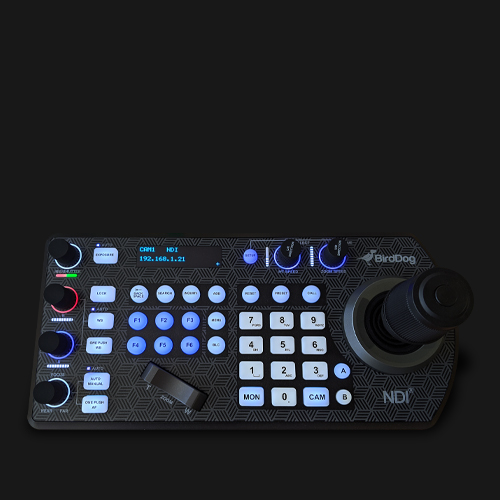
KBD
Control multiple PTZ cameras with precision.
Ideal for creators building more advanced multi-camera setups.
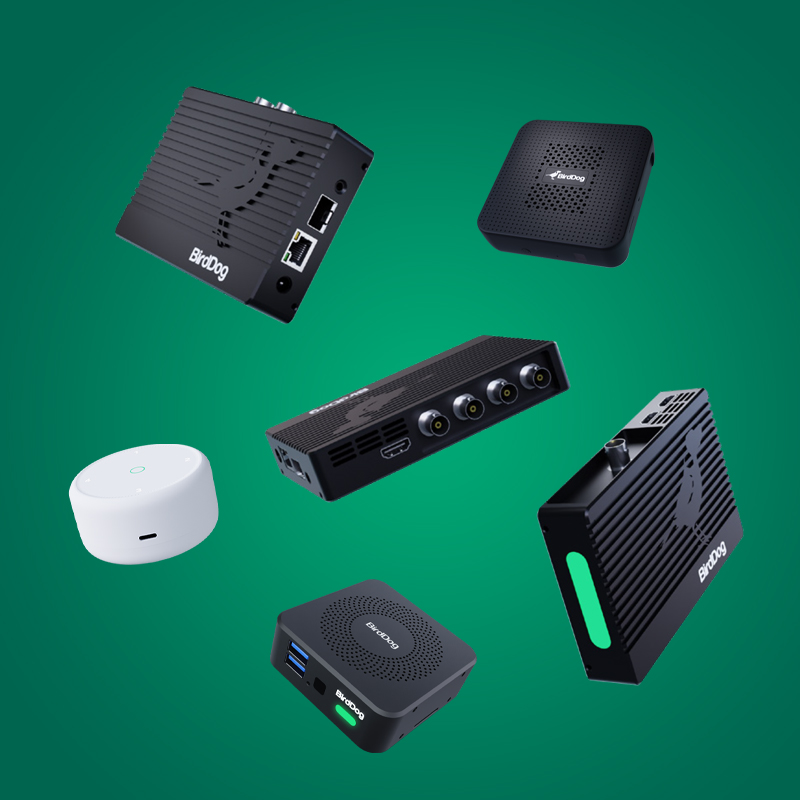
Expand & Monitor Your Workflow.
Start Creating Today.
Workflow Examples
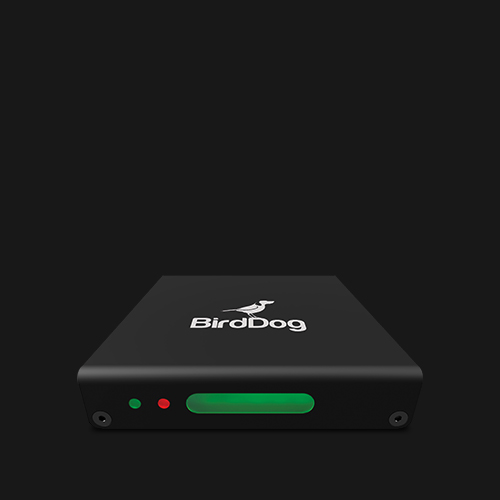
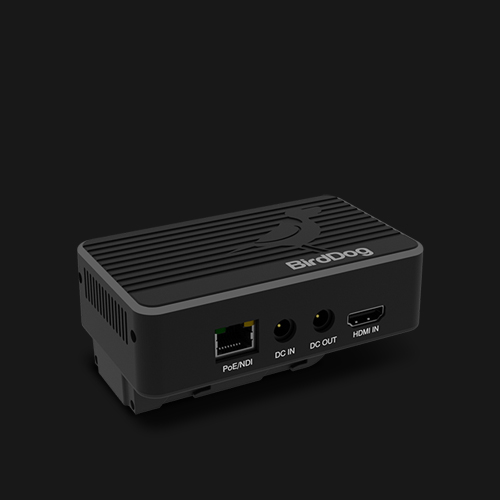
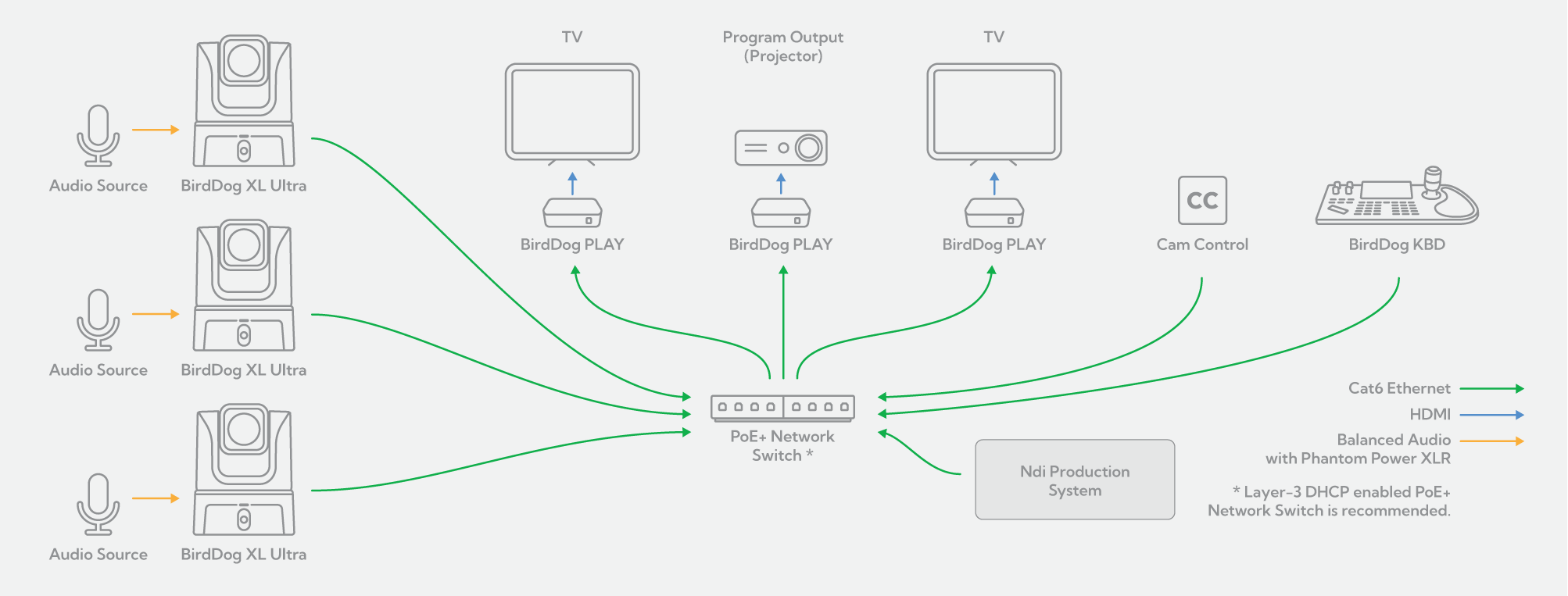
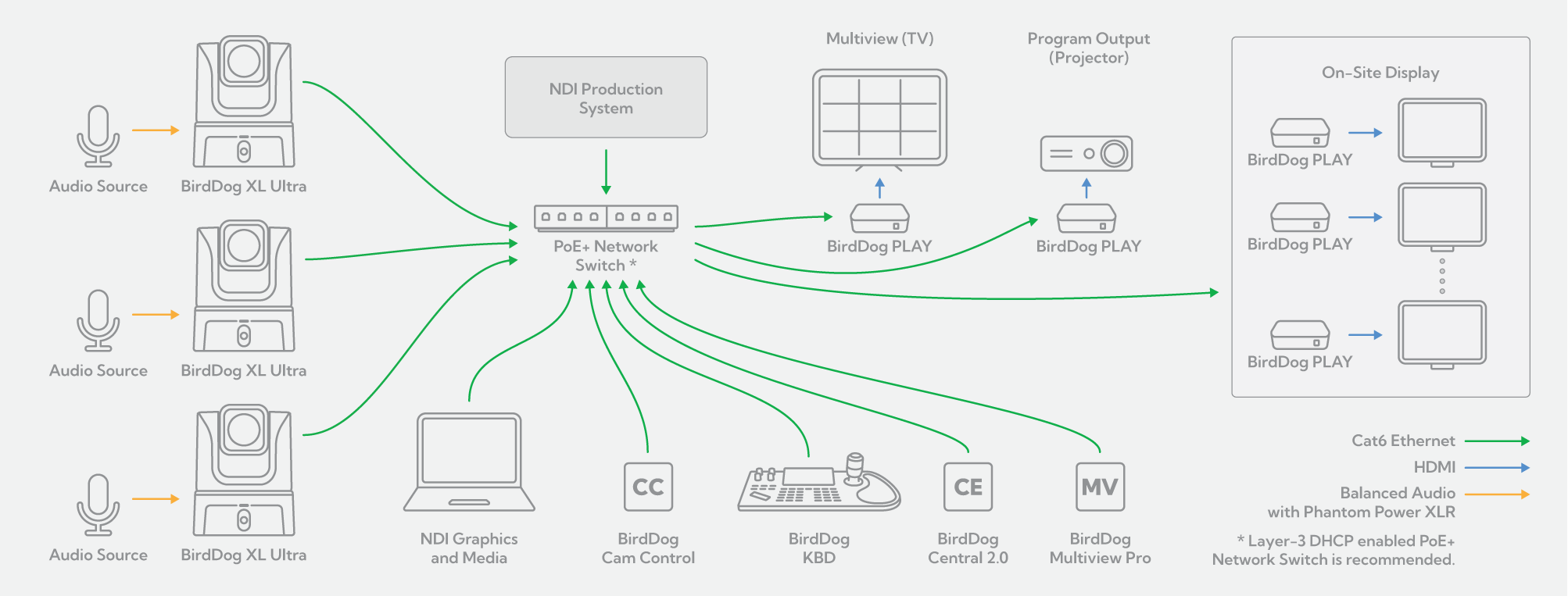
Simply connect your XL Ultra to your existing GigE switched network and deliver UHD images with crystal clear, balanced audio to your remote presentation. The bi-directional nature of NDI® means that, as stunning images and audio are busy leaving your camera, the SAME network cable can be used to provide powerful control, as well as power, TO your cameras. Use our free Cam Control software to remotely dial exactly the look you want using comprehensive colour and exposure, and noise reduction tools. Fully adjustable facial and body recognition offers reliable, automatic tracking of your talent – perfect for broadcast studios, lecturer/teacher applications, house of worship, or any time the on-air talent is moving. For more complex camera movement, the BirdDog KBD provides low-latency pan, tilt and zoom control of your XL Ultra. Easily decode your NDI® back to HDMI for final display using our compact PLAY converters. Featuring comprehensive control support via RESTful API, Crestron, Zoom API, or Q-SYS API, PLAY ensures the most professional presentation experience.
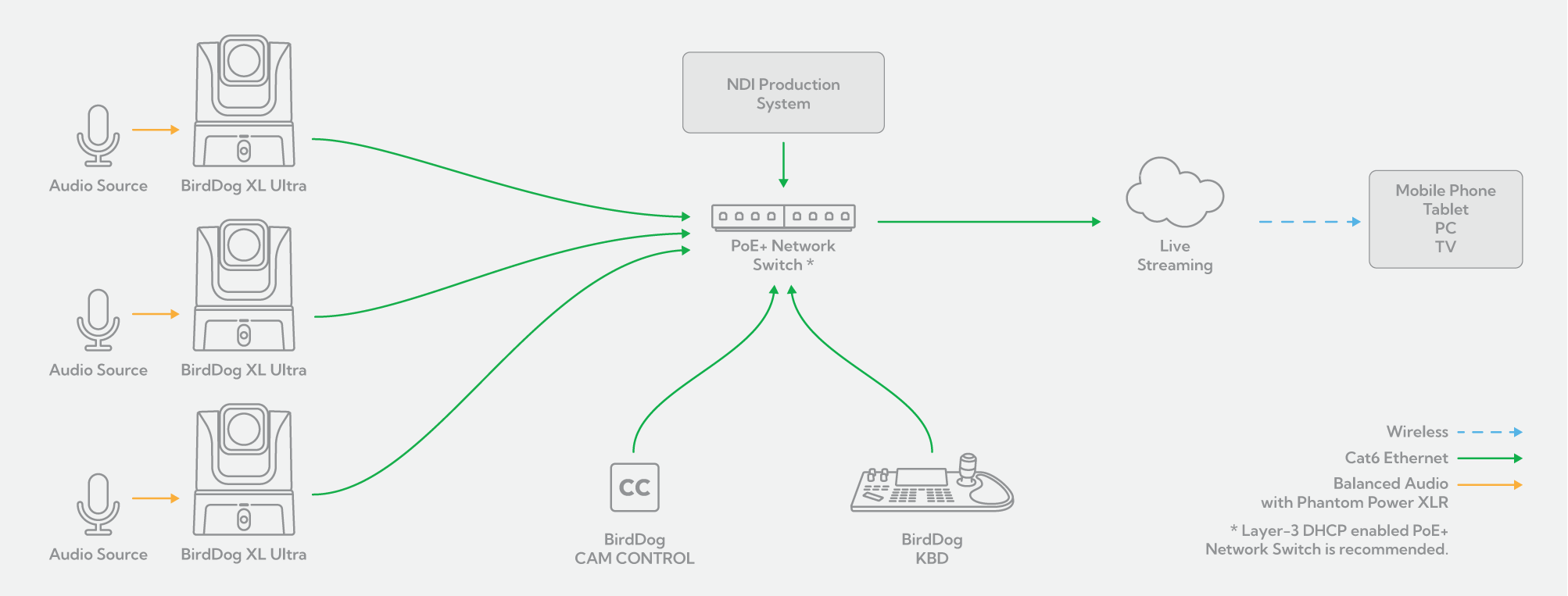
The incredibly flexible feature set of the XL Ultra makes it an ideal camera for video podcasting. The superb low-light capability of the 5K CMOS Sensor means you won’t have to spend a fortune on lighting to have your presenters look amazing. Plug your microphone directly into the phantom-powered, balanced XLR connection to maintain pristine audio quality. Clearly visible camera Tally lights ensure that your presenters always know when they are on-air. Once connected to your existing PoE+ GigE network, the magic of NDI® does the rest! The single cable Ethernet connection not only powers your camera but also provides you with complete remote control. Use our free Cam Control software to dial exactly the look you want using comprehensive color, exposure and noise reduction tools. If you have moving on-air talent, Cam Control has you covered with adjustable facial and body tracking. For more comprehensive pan, tilt and zoom control of your XL Ultra, simply add the BirdDog KBD. With the easy addition of OBS Studio or Wirecast software, your networked environment is now a powerful and flexible video podcast studio!
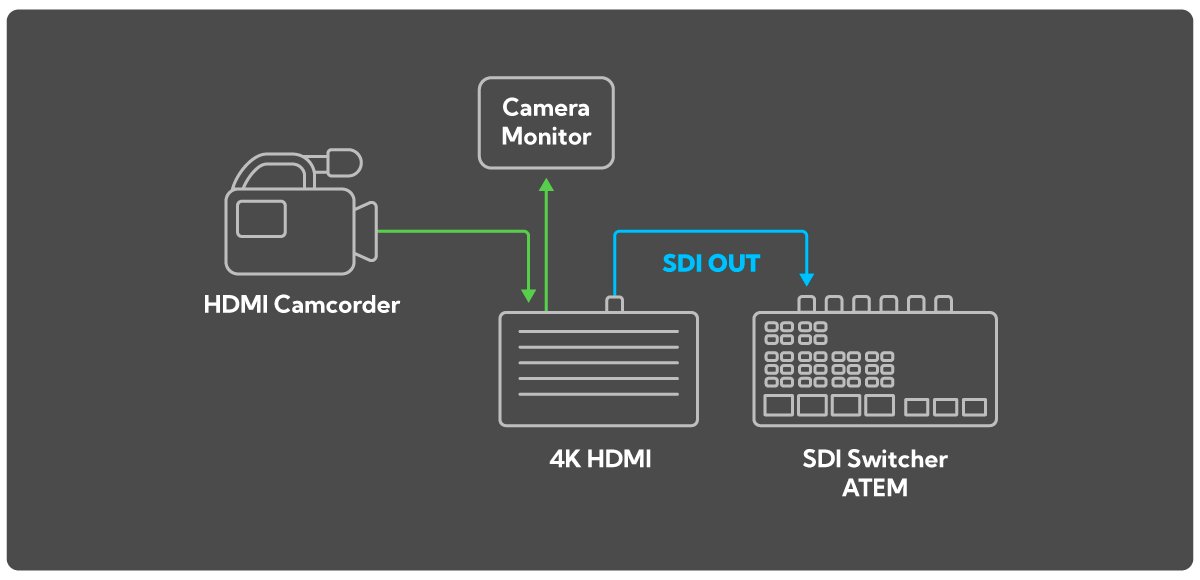
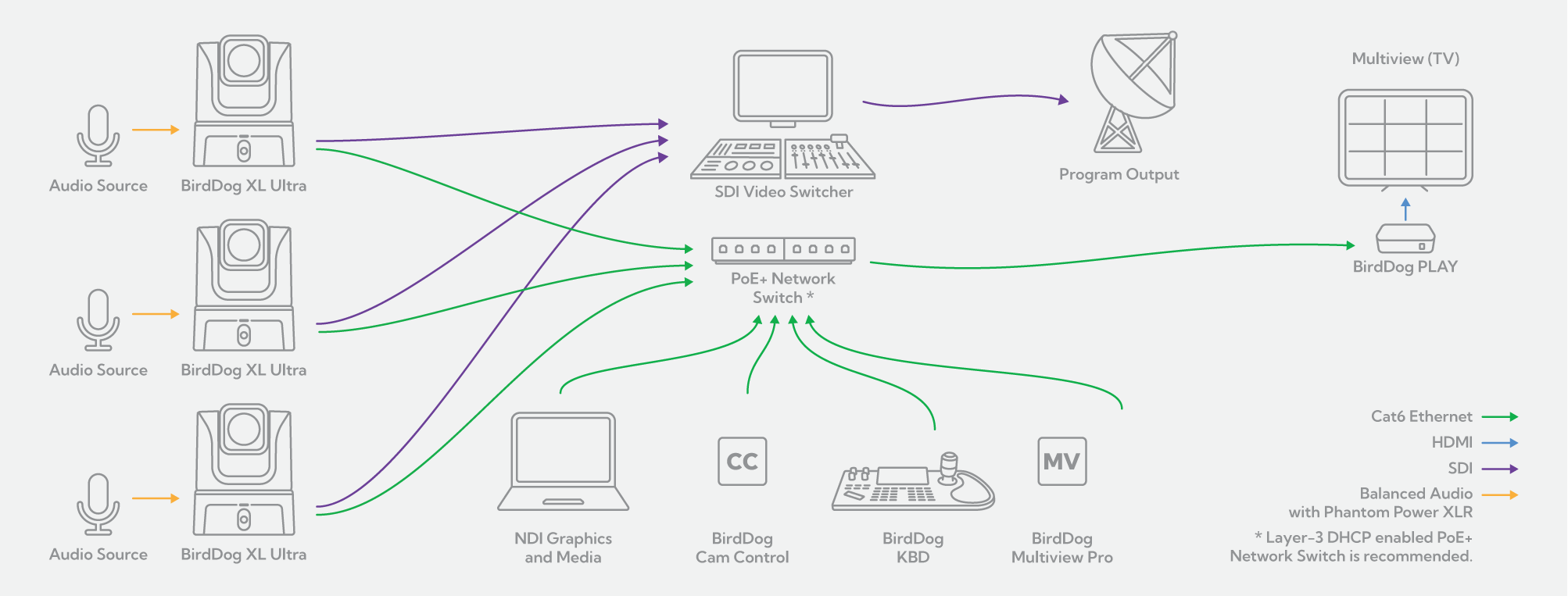
One of the powerful features of the XL Ultra is the ability to simultaneously output video in NDI®, HDMI, and SDI formats. This allows you to seamlessly slot your XL Ultra into your SDI environment while still enjoying all the benefits that networked NDI® video provides. While your SDI video is happily on its way to your broadcast infrastructure, NDI® video can be separately processed and piped to anywhere you need it. Which means anywhere on your network or anywhere you can run a single Ethernet cable! Simply add compact BirdDog PLAY converters and decode back to HDMI for easy display. Add BirdDog Multiview Pro software for professional multiview monitoring on a single display. Use our free Cam Control software to dial a completely different look for the NDI® video using comprehensive colour, exposure and noise reduction tools. The BirdDog KBD provides remote low-latency pan, tilt and zoom control of your cameras as well as Quick Access buttons and Preset recall of camera Exposure, Shutter Speed, Iris, Compensation, White Balance, Focus, PT Speed and Zoom Speed.
Sometimes less IS really more! BirdDog and NDI® make single cable connectivity a reality. Your camera placement no longer needs to be dictated by power or control access requirements. Now you can mount your XL Ultra exactly where needed from the best production standpoint. A single Ethernet cable is all you need to receive UHD images and pristine audio FROM your camera, as well as send control and power TO your camera. Use our free Cam Control software to dial exactly the look you want using comprehensive colour, exposure and noise reduction tools. For productions featuring a single, moving presenter, Cam Control also helps you out with adjustable facial and body tracking. Need more manual control? The BirdDog KBD gives you lowlatency pan, tilt and zoom control of your cameras, as well as Preset recall of camera Exposure, Shutter Speed, Iris, Compensation, White Balance, Focus and Zoom Speed Add BirdDog Multiview Pro software for professional multiview monitoring on a single display, and team Central 2.0 with our compact PLAY converters to direct any number of your NDI® sources, to any number of display destinations.
Frequently Asked Questions
A video podcast setup can include cameras, microphones, audio mixing, lighting, video switching, recording or streaming software, monitoring, and a platform for publishing or streaming the final content.
The right setup depends on the number of hosts and guests, room size, number of camera angles, whether the podcast is recorded or streamed live, and how much of the production you want to automate.
A simple setup may use one camera and software-based recording, while a larger podcast studio may use multiple cameras, dedicated control, switching, monitoring, and IP video workflows.
The best camera for a video podcast depends on the studio size, number of people on camera, lighting, framing, production workflow, and whether the setup needs to be fixed or portable.
A small studio may benefit from a wide-angle camera. A fixed podcast set may need compact cameras with optical zoom for consistent framing. Larger multi-camera productions may benefit from PTZ cameras that can be controlled remotely and repositioned without moving the camera physically.
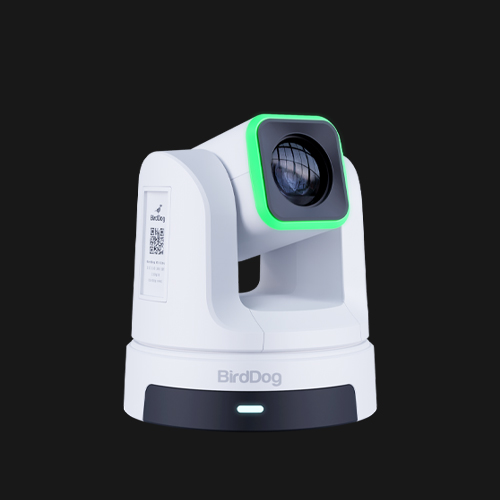
BirdDog offers different options for different creator workflows, including MAKI Live for portable streaming, MAKI Ultra for fixed studio production, MAX for smaller spaces, and X1 Series for flexible PTZ workflows.
Yes. PTZ cameras can be useful for video podcasts, creator studios, interviews, and live streaming where flexible framing and remote control are important.
Because PTZ cameras can pan, tilt, and zoom remotely, a production team can change shots, recall presets, and manage multiple camera angles from a central position.
This can be particularly useful for multi-camera productions, small crews, and studios where camera positions need to change without interrupting the recording.
The best camera for live streaming depends on the type of content, room size, image quality, connectivity, lighting, and production workflow.
For portable streaming, consider size, battery power, wireless connectivity, and ease of setup. For fixed studios, consider image quality, optical zoom, camera matching, and consistent framing. For multi-camera production, remote control and integration with switching or streaming software may also be important.
A professional live streaming camera may support 4K video, optical zoom, USB, HDMI, IP video, or technologies such as NDI and SRT, depending on the model.
The right number of cameras depends on the number of hosts and guests, the style of the show, and how much visual variety you want.
A simple video podcast may use one camera. A two-person interview may use a wide shot plus individual close-ups. Larger productions may add additional angles for guests, products, demonstrations, or alternative framing.
Multi-camera setups can create a more dynamic production, while PTZ cameras or remotely controlled cameras can help smaller teams manage more angles with fewer operators.
Yes. OBS and vMix can be used in multi-camera production workflows, depending on the available video sources, connections, and system configuration.
Cameras may connect through USB, capture hardware, or supported IP video workflows. This allows creators to switch between hosts, guests, wide shots, close-ups, and other sources during a live stream or recording.
BirdDog’s current creator workflow positioning explicitly includes integration with OBS and vMix, alongside single-camera and multi-camera production.
NDI is an IP video technology that can move compatible video, audio, metadata, and control across a network.
In a podcast or creator studio, NDI can help connect cameras, computers, monitoring tools, software, and other production devices without requiring every source to use traditional point-to-point video cabling.
Depending on the workflow, this can make it easier to add cameras, route video between systems, monitor sources, and expand a studio over time.
Multiple cameras can be controlled using dedicated hardware controllers, PTZ joysticks, software, browser-based tools, presets, APIs, and supported third-party platforms.
For PTZ-based setups, a dedicated controller such as BirdDog KBD can provide direct camera movement and preset recall, while software tools can support configuration, image adjustment, and wider camera management.
The right control method depends on the number of cameras, studio layout, production team, and level of automation required.
Yes. Many podcast and creator studios use a mix of USB, HDMI, and IP video.
For example, a compact setup may use USB for direct connection to a computer, HDMI for local production equipment or displays, and IP video for flexible routing, monitoring, or multi-camera workflows.
BirdDog’s current creator range is deliberately built around different deployment models, from compact and portable cameras to PTZ and networked production systems.
Yes. Remote guests can be integrated into video podcast and live streaming workflows using conferencing, remote contribution, or distributed production tools.
The right approach depends on the required video quality, latency, number of participants, production platform, and whether the guest feed needs to be recorded, switched, monitored, or distributed elsewhere.
Free Software Tools.
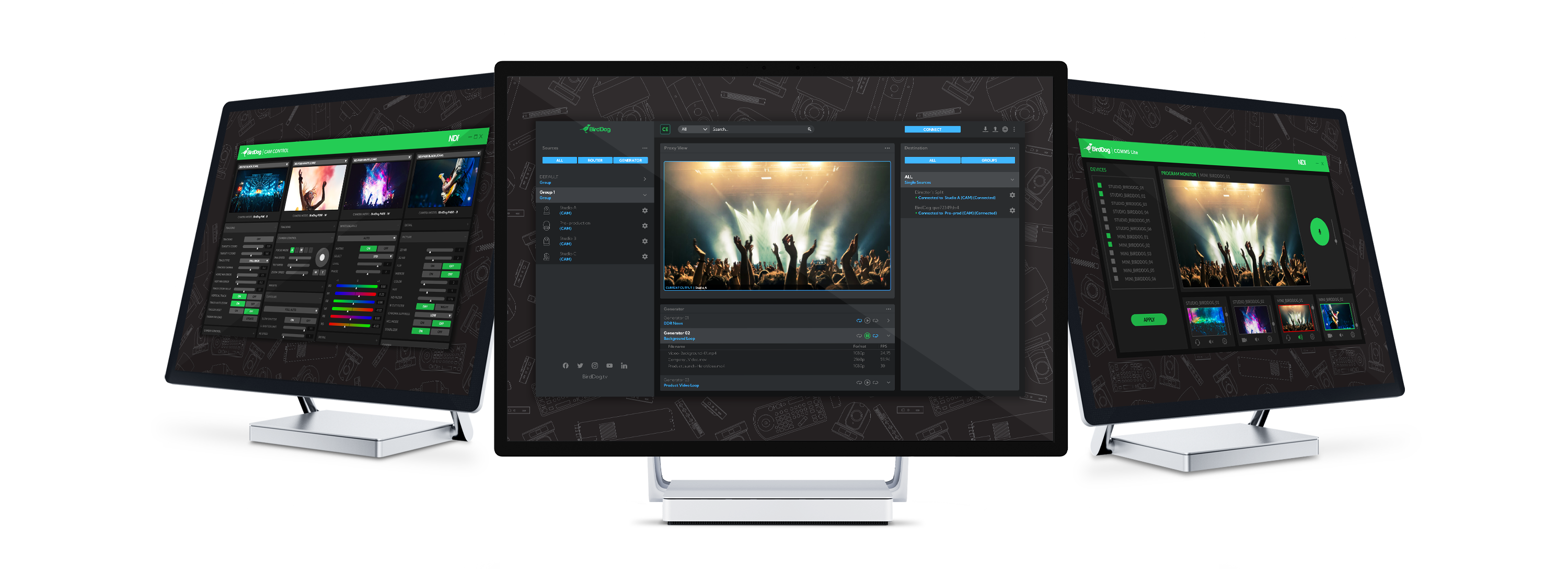
Cam Control.
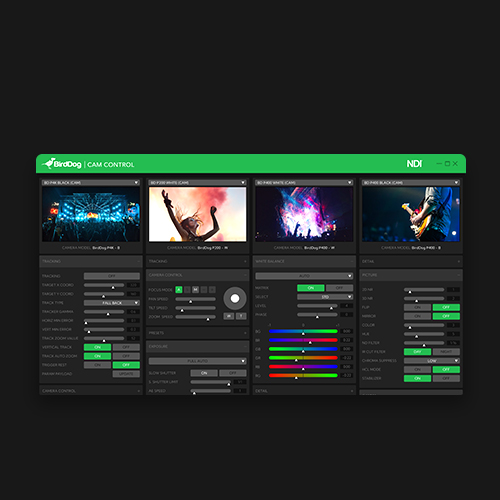
Cam Control allows easy access to all settings of all the BirdDog cameras on your network. Get the look you want on the full screen output monitor and then copy across multiple cameras to colour match in seconds.
Central 2.0 Lite.
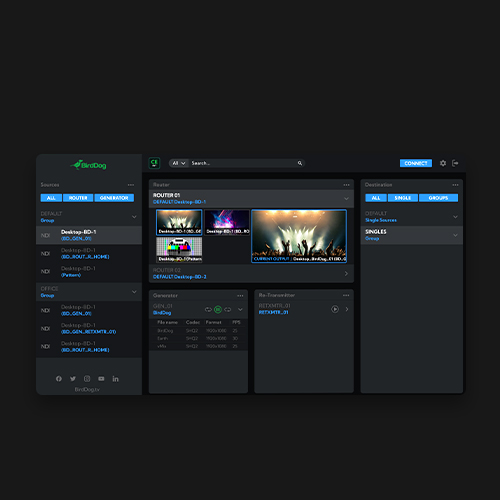
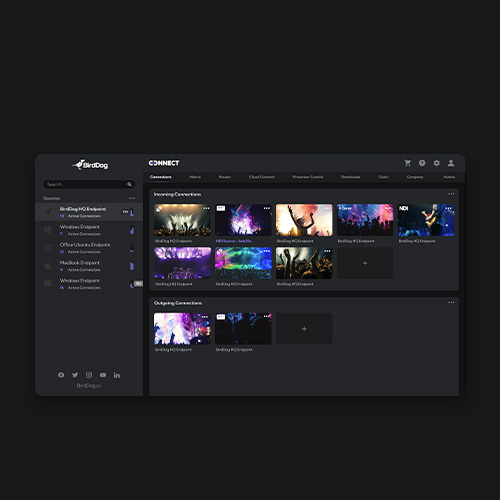
Central 2.0 ushers in a new era of NDI® routing control. Browser-based with SSO support, smart grouping of NDI® receivers, real-time NDI® routing, media playback engine, and support for thousands of sources, Central 2.0 is your ultimate NDI® management tool.
Comms Lite.
Comms Lite is your free Audio Intercom solution. With support for four BirdDog devices, plus a director, Comms Lite is a great way to start using Audio Intercom in your live productions.